
Most construction projects don’t fail because of bad crews. They fail because nobody could see the full picture in time. The best construction planning software exists precisely to fix that, giving teams visibility into multi-phase timelines, budget shifts, and communication gaps before those issues snowball. Coordinating between general contractors, subcontractors, and owners while tracking real-time change orders is genuinely hard without the right tools. After reviewing dozens of platforms across scheduling, collaboration, and field-to-office connectivity, this guide breaks down five options worth serious consideration.

Behind the ranking
Each option was assessed using publicly available information gathered from review platforms, official product pages, case studies, and directory listings. The focus stayed on tools with a proven track record in construction environments, not general-purpose alternatives that happen to offer project tracking. Only platforms demonstrating real construction use were included.
→ See the full research breakdown
- Planera – Best for construction project scheduling and planning
- Autodesk Construction Cloud – Best for general contractors, specialty contractors, and construction owners
- Procore – Best for construction management and project collaboration
- Wrike – Best for enterprise project management and complex workflow coordination
- monday.com – Best for customizable workflow and project management
The Real Impact of Construction Planning Software
Picking the wrong planning tool in construction doesn’t just slow your team down. It creates compounding problems across every phase of the project.
Managing multi-phase timelines with interdependent tasks is where most teams hit their first wall. One delayed submittal ripples into a missed inspection, which pushes back a subcontractor, which blows the schedule entirely.
The right software gives project managers visibility into those dependencies before the damage is done. It also closes the communication gap between office and field teams, where many costly misunderstandings occur.
Well-chosen construction planning tools have a measurable effect on Schedule Performance Index and Cost Performance Index outcomes. Teams that can see resource conflicts early, respond to weather delays quickly, and track change order resolution time tend to deliver more projects on budget and on time.
That kind of consistent delivery is hard to match with spreadsheets alone, and it’s exactly what separates the platforms on this list from generic alternatives.
5 Top Picks at a Glance
Note: All data in this table is sourced from review platforms and the official websites of the listed companies.
| Company Name | Years Operating | Team Size |
| Planera | Est. 2021 | 49 |
| Autodesk Construction Cloud | Est. 2019 | – |
| Procore | Est. 2002 | 4,421 |
| Wrike | Est. 2006 | 1,000+ |
| monday.com | Est. 2012 | 2,508 |
- Planera – Best for Construction Project Scheduling and Planning
How Does Planera Operate in Its Market?
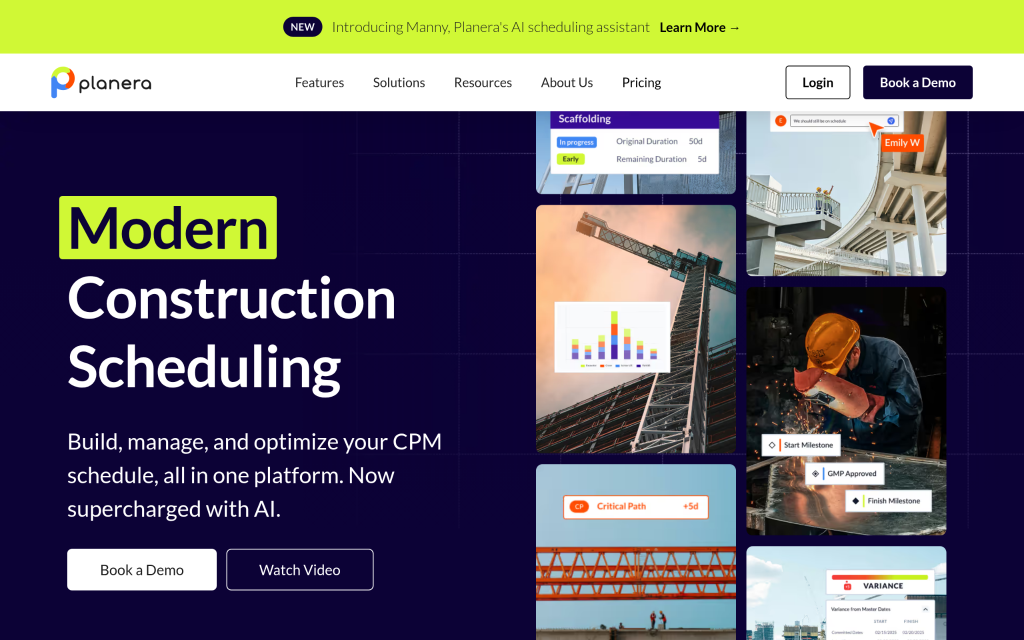
Planera runs as a collaborative online whiteboard built for CPM scheduling in construction. The platform lets contractors build resource- and cost-loaded schedules without needing dedicated scheduling specialists on staff, which is a real operational advantage. Real-time collaboration between office and field teams happens through a digital whiteboard interface that feels intuitive rather than technical. Planera also connects directly with Procore, Autodesk, Primavera P6, and Microsoft Project, so it fits into existing workflows rather than replacing them.
What Sets Planera Apart for Construction Planning Software?
Planera solves an expensive problem: CPM scheduling has historically required specialized skills that most mid-size contractors simply don’t have in-house. Their approach makes professional-grade scheduling accessible to the broader construction team, which directly supports better Schedule Performance Index outcomes on active projects.
Real User Sentiment:
Clients like Granite, Barton Malow, and Blach Construction are running live projects on the platform, which speaks volumes about real-world trust. The fact that they’re serving over 500 live projects, backed by construction-focused investors, suggests the product is delivering results where it counts. Users seem to respond well to the scheduling interface’s approachability compared to traditional CPM tools.
- Autodesk Construction Cloud – Best for General Contractors, Specialty Contractors, and Construction Owners
How Does Autodesk Construction Cloud Operate in Its Market?
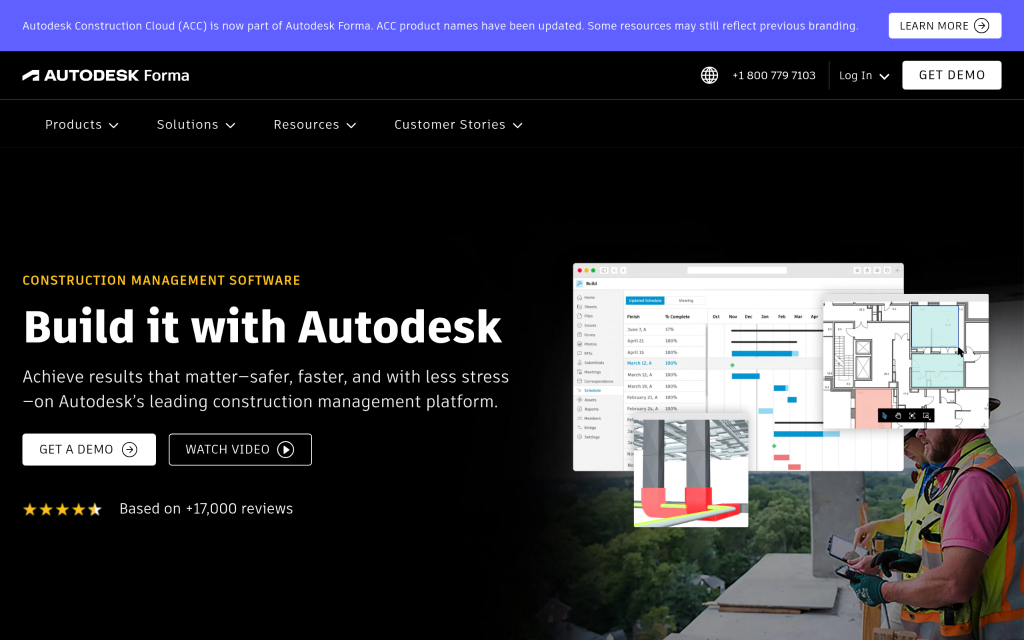
Autodesk Construction Cloud (now part of Autodesk Forma) covers the full project lifecycle from design through operations. General contractors, specialty contractors, and owners all find dedicated tools here, spanning project management, cost tracking, safety management, and BIM. The platform includes BuildingConnected, which connects nearly one million subcontractors and creates the largest subcontractor ecosystem in the industry. Over two million construction jobs have run on this platform globally, which makes it one of the most battle-tested options on this list.
What Sets Autodesk Construction Cloud Apart for Construction Planning Software?
The sheer breadth of this platform addresses something most point tools can’t: the need for a single source of truth from early design through punch list completion. That usually means fewer version control issues on blueprints and RFIs, and tighter coordination on clash detection before it becomes a field problem.
Real User Sentiment:
Brinkman Construction reportedly completed tasks twice as fast after adopting Autodesk Build, and CCPI delivered 97.8% of projects on time and within budget (not a small achievement in construction). Users value the platform’s depth, though the learning curve and enterprise pricing come up regularly as things teams need to plan for.
- Procore – Best for Construction Management and Project Collaboration
How Does Procore Operate in Its Market?
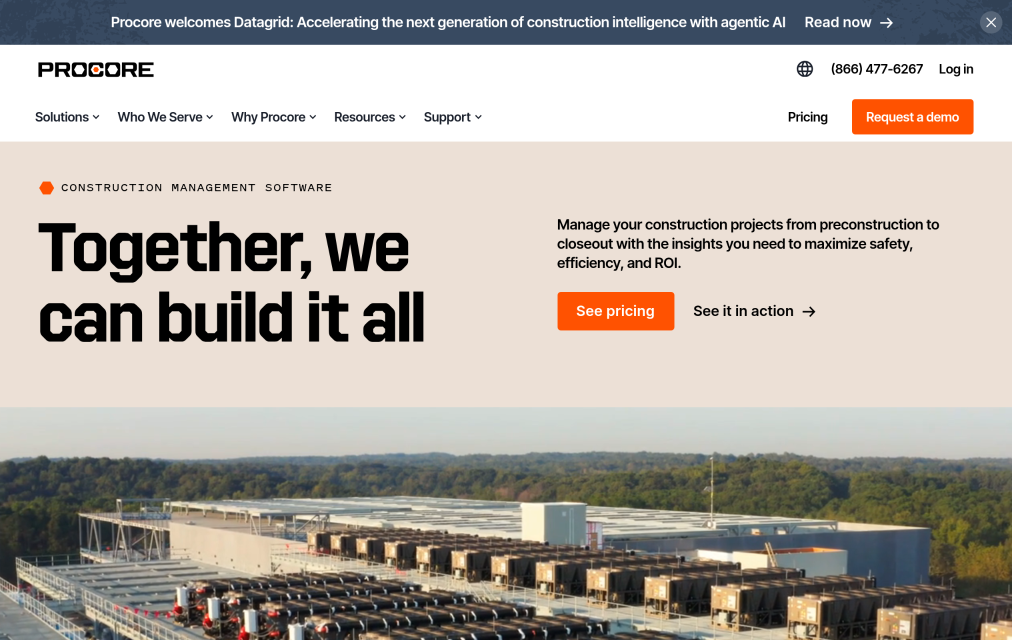
Procore runs as a unified end-to-end platform covering preconstruction, project management, workforce management, financial management, and analytics. Founded in 2002, they’ve had time to build something genuinely mature. The platform supports over 2 million users across 150+ countries, with AI features like Procore Helix and Copilot automating routine tasks and surfacing insights from project data. Their unlimited user model is a meaningful differentiator because it removes the seat-count friction that usually limits collaboration with subcontractors and owners.
What Sets Procore Apart for Construction Planning Software?
Procore addresses the challenge of keeping every team member connected across a project’s full financial and operational arc, from bidding through closeout. That kind of end-to-end coverage, paired with an open App Marketplace, means teams rarely hit a workflow they can’t support with this platform.
Real User Sentiment:
Procore’s reputation spans both small teams and massive enterprise operations. Users frequently call out the depth of financial management tools and the mobile experience on job sites. SelectHub’s best-in-class recognition across categories like financials, safety, and bidding management lines up with what actual users report.
- Wrike – Best for Enterprise Project Management and Complex Workflow Coordination
How Does Wrike Operate in Its Market?
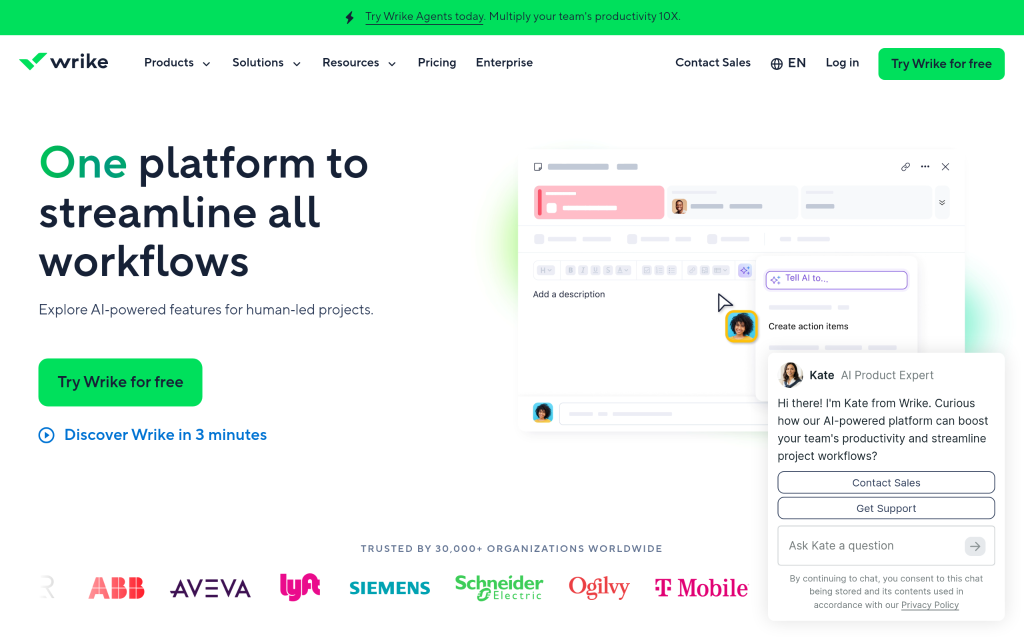
Wrike is a web-based project management platform with a strong focus on complex workflow coordination across large teams. Founded in 2006, they operate across 10 global hubs with over 1,000 employees. The platform covers dependency tracking, deadline management, Gantt charts, workload views, and customizable data fields. With 20,000+ customers worldwide and 400+ integrations, it’s built to handle the kind of cross-functional coordination that multi-phase construction projects demand. The 50% productivity gain and 90% email reduction figures they cite give a sense of scale.
What Sets Wrike Apart for Construction Planning Software?
Wrike handles the coordination challenges that come with construction’s overlapping teams, shifting timelines, and multi-party dependencies. Its fully configurable structure means project managers can shape workflows to match how their specific teams actually operate, not the other way around.
Real User Sentiment:
Wrike earns its enterprise reputation. Users consistently point to the Gantt chart functionality and workload views as standouts for managing interdependent schedules. The 2024 TrustRadius Top Rated recognition across 14 categories reflects broad satisfaction, though some users note that getting the most from the platform takes time to set up correctly.
- monday.com – Best for Customizable Workflow and Project Management
How Does monday.com Operate in Its Market?
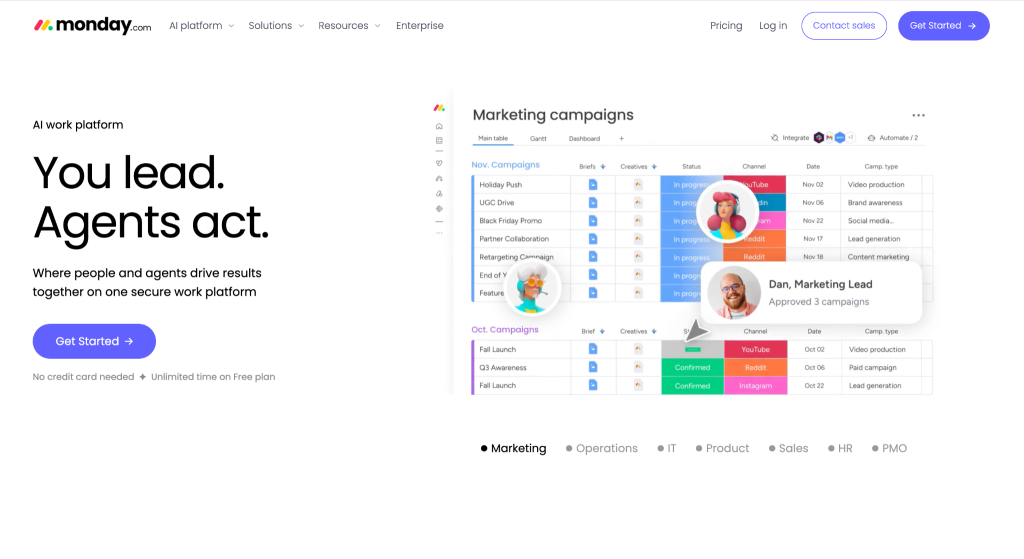
monday.com runs as a modular visual work OS that teams can shape into nearly any kind of project management setup. Founded in 2012 and used by 152,000+ customers across 200+ industries, the platform covers work management, portfolio tracking, service desks, digital whiteboards, and more. Pricing starts at $24 per month (not cheap for large construction teams, but flexible). Construction teams use it to coordinate across multiple parties, track project progress visually, and manage change order workflows. The open API makes custom builds possible for firms with specific needs.
What Sets monday.com Apart for Construction Planning Software?
monday.com solves the configuration problem for construction teams that need something beyond out-of-the-box project tracking but aren’t ready to commit to a heavy enterprise platform. Its fourth consecutive year as a Gartner Magic Quadrant Leader for Adaptive Project Management signals genuine staying power in the market.
Real User Sentiment:
Users across industries respond well to how quickly teams can get up and running on monday.com compared to more specialized platforms. The visual clarity it brings to project boards is a real selling point. That said, construction-specific users sometimes mention that they need to invest time building out templates that mirror actual construction workflows.
How These Were Chosen and Verified
Data Assembly and Preparation
The research started by pulling together a broad list of platforms with documented use in construction project planning and scheduling. Sources included construction-specific software directories, general review platforms covering project management tools, published case studies, and official product websites. The goal at this stage was breadth, capturing any platform with visible traction in the construction space before filtering began.
The Shortlisting Pass
Once the initial list was assembled, options without verifiable construction use were removed. This meant checking for documented case studies featuring actual construction firms, not just marketing claims. Review patterns across platforms like G2, Capterra, and Trustpilot were analyzed to identify consistent strengths and recurring complaints. Platforms that appeared in construction-specific discussions, forums, and procurement guides moved forward in the process.
Verification Pass
Each shortlisted company’s claims were cross-checked against what real users actually reported. Where a product page claimed specific outcomes, like faster task completion or on-time delivery rates, the research looked for supporting evidence in published case studies or user testimonials. Tools that overstated results without traceable support were weighted down. Real-world outcomes tied to metrics like change order resolution time and punch list completion rates were prioritized.
Industry Recognition and Authority
Platforms that had received formal recognition from construction industry bodies, technology award programs, or reputable analyst firms carried more weight in the final assessment. Coverage in industry publications and trade press, alongside mentions in analyst reports such as Gartner and Forrester where applicable, served as authority signals. These aren’t guarantees of quality, but they do indicate that a platform has been visible and vetted beyond just its own marketing.
Evidence Specific to Construction Planning Software
The final check focused on how well each platform addressed construction planning needs. Dedicated product pages covering CPM scheduling, RFI management, document version control, and field-to-office collaboration carried more weight than generic project management feature lists. Verified reviews from construction project managers, general contractors, and owners were flagged as higher-quality evidence than generalist business users. Only platforms with meaningful, construction-specific evidence made the final list.
What to Look For When Choosing Construction Planning Software
Not every platform that handles project management is built for how construction actually works. Here’s what matters most when evaluating your options.
- Industry/Domain Experience: Look for platforms with documented use by actual construction firms. Generic project tools can handle tasks and deadlines, but they often fall short on CPM scheduling, subcontractor coordination, and RFI tracking.
- Features and Services: The right tool should cover the workflows your team uses daily, including document version control, change order management, and field access on remote job sites.
- Pricing Structure: Some platforms charge per seat (which gets expensive fast on large projects), while others offer unlimited user models. Match the pricing structure to how your team actually grows and collaborates.
- Results Measurement: Prioritize platforms that surface real data on Schedule Performance Index, Cost Performance Index, and resource utilization rate. Visibility into these numbers is what drives better project decisions.
- Industry Knowledge and Compliance: Construction carries specific requirements around OSHA standards, AIA contracts, and ISO 19650 BIM standards. Platforms familiar with these requirements save teams time on building code and safety regulation adherence.
Final Take
Construction planning software isn’t one-size-fits-all, and the gap between the right tool and the wrong one shows up directly in your SPI and CPI numbers. Planera stands out for teams that need accessible CPM scheduling. Procore and Autodesk go deeper for enterprise-scale operations. Wrike and monday.com bring flexibility for teams with complex, cross-functional needs. As job sites get more connected, the platforms built for construction will keep pulling ahead.