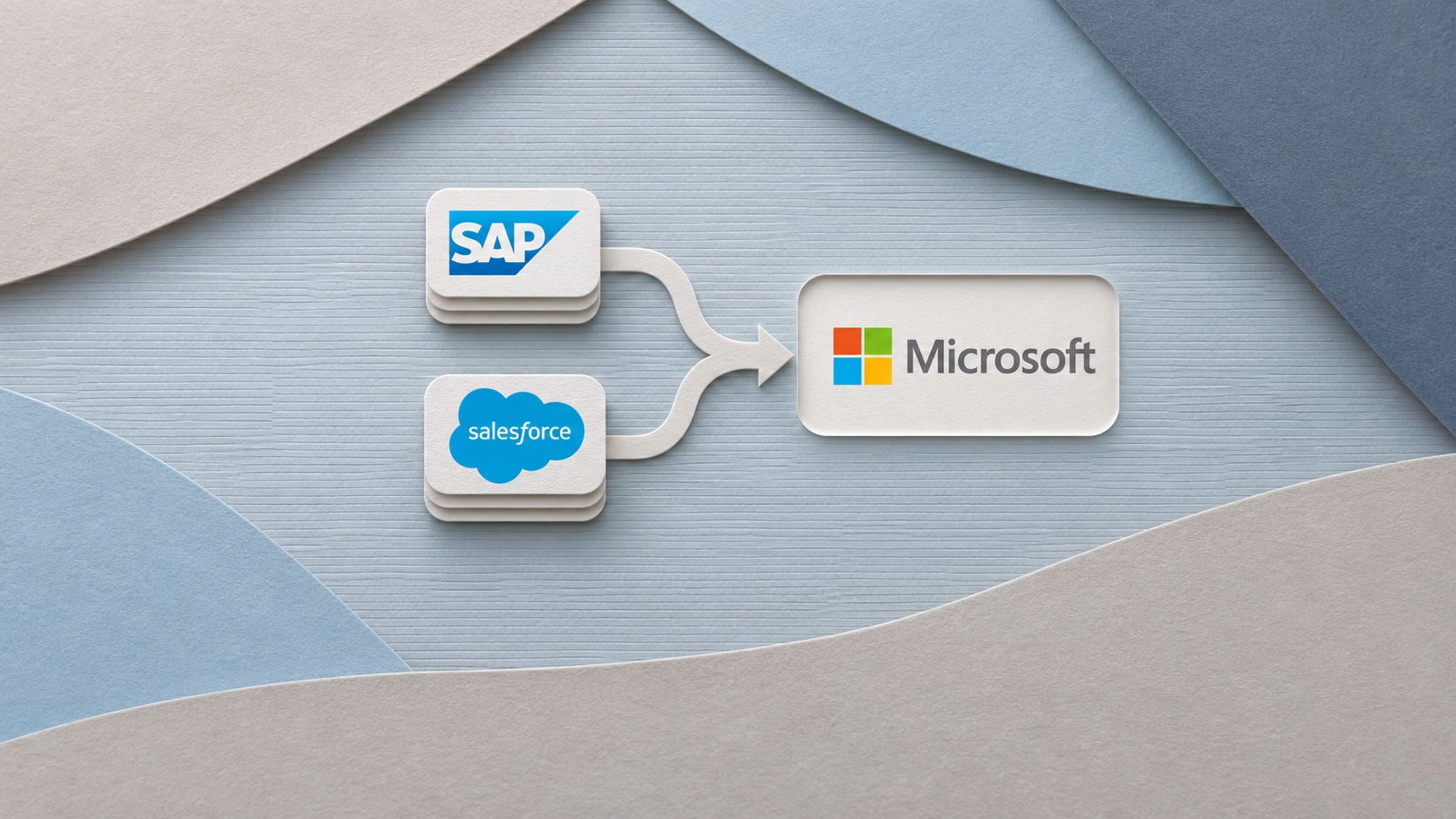
Microsoft has opened a private preview of Dynamics 365 Activate for companies evaluating a move from SAP ECC to Dynamics 365. The tool helps project teams identify which business processes depend on custom SAP code or integrations before they decide what to carry over. A separate Activate tool for moving from Salesforce to Dynamics 365 Sales and Customer Service is now generally available after a public preview that began in September.
Microsoft announced both updates at Ignite on November 17, 2026. On November 19, it detailed how the tools assess an existing system, prepare the Dynamics 365 environment and validate the data being moved.
How the SAP ECC assessment shapes the project
Activate examines how ECC is configured and used across functions such as finance, procurement and manufacturing. For a company with custom pricing rules or production schedules, the assessment gives business users and implementation partners a way to trace which processes still rely on those changes. They can then decide where standard Dynamics 365 functionality will meet the requirement and where they need a different design.
The private preview also covers requirements, configuration and data migration. Teams can combine findings from ECC with input from workshops and map the requirements to Microsoft’s Business Process Catalog. Activate can then propose settings for the team to approve and record which changes it applies. For finance teams, the preview also supports mapping opening balances and checking for posting errors before go-live.
What moves from Salesforce
The Salesforce tool includes predefined mappings for accounts, contacts, sales opportunities and service cases. Teams can review how custom fields map to Microsoft Dataverse, run a trial migration and compare record counts between the two systems. Activate can also transfer supported files and attachments.
Salesforce automation requires separate implementation work. During the assessment, Activate examines flows, workflow rules and custom Apex code and estimates the effort involved. Teams that want to keep an approval workflow, for example, still need to implement that logic in Dynamics 365. Transferring the associated records does not recreate the workflow.
Sources

ERP News Editorial Team
We cover ERP and enterprise technology for the people who select, implement, and run these systems.
Pitch a guest article or work with our editorial team on a news story, customer case study, or executive interview.
Editorial Calendar · Pitch a Guest Article · Commission a Story
Advertising Options · ERP News Magazine · ERPNews.com
Editorial Inquiries · [email protected]
Copyright & Usage · Our original editorial content is produced by the ERP News Editorial Team, with expertise in ERP and enterprise technology.
© ERP News. All rights reserved. Except as permitted by law, reproduction, republication, and redistribution require prior written permission or a licence from ERP News, along with clear attribution to ERP News as the source.
ERP News Content Licensing · License full-text ERP News articles for your internal research tools, delivered through a private JSON feed. [email protected]